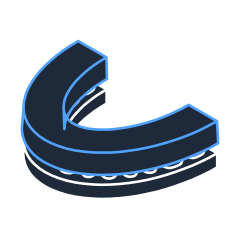
Cases arrive matched to the prescription
RTF Connect brings the case in from your portal or scanner cloud. There is no separate file-handling step. The prescription travels with the case.
Your technician stops building designs from scratch and starts inspecting finished ones. Nothing ships without that approval.
RTF Connect brings the case in from your portal or scanner cloud. There is no separate file-handling step. The prescription travels with the case.
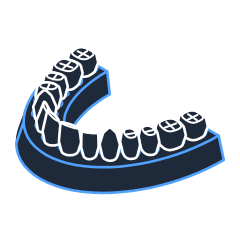
Custom libraries segment, scallop, and set retention per arch, then stage a proposed design. The rules are the lab’s rules, not a generic template.
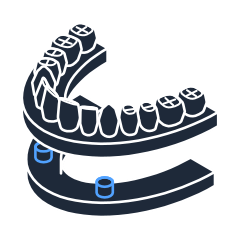
Every design stops here.
The technician reviews the design in the browser with Inspect HUD, adjusts edge cases, and approves it.
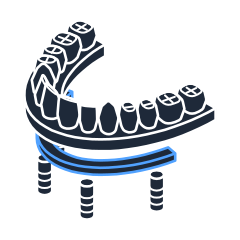
Once approved, RTF Connect hands the design to print or mill from the same system of record.
Fitcast sets retention from each patient’s measured anatomy and learns from delivered-case fit outcomes.
Each workflow is customized for your lab's libraries and rules. Bring one of these case types to a design review.
Case data stays on the platform. The data handling and security page explains how we treat it.
In production for a dental sleep appliance company.
1,070
Patient cases from 136 practices
405min
Design time from about 40 minutes to about 5 minutes
92.5%
92.5% engine-produced
67%
67% fewer remakes
114.5days
Turnaround from about 11 days to about 4.5 days
No. The engine stages a proposed design. The technician inspects it, adjusts where needed, and approves it. Nothing ships without that approval.
RTF Connect brings cases in from your portal or scanner cloud, matched to the prescription, with no separate file-handling step.
Workflows are customized for each lab: libraries, rules, and the indications you run. The indications are listed on this page.
Case files stay on the platform and are used only to provide the service you asked for. We do not sell patient information or use it for advertising or marketing, and each customer sees only its own cases. The data handling and security page has the full summary.
A 20-minute design review shows how a case arrives, how the design is built, and where your technician signs off.